- DATE:
- AUTHOR:
- The Krisp team
Krisp 3.18.3 AI Meeting Assistant Updates
This release makes it easier to navigate Krisp, organize your meetings, and keep your audio settings on track. We've also added new automation possibilities and improved overall app stability.
New Features and Improvements
Redesigned navigation for easier access and more control: We’ve refreshed the main navigation in Krisp to make your favorite features easier to find and give you more flexibility in organizing your workspace.
Discover Krisp products more easily: A new product selection section gives you quick access to Meeting Assistant, Call Center AI, and Developer tools, making it easier to explore more of what Krisp offers.
Find key features faster: Noise Cancellation, Accent Conversion, and Note Taker are now more visible and easier to access directly from the main navigation.
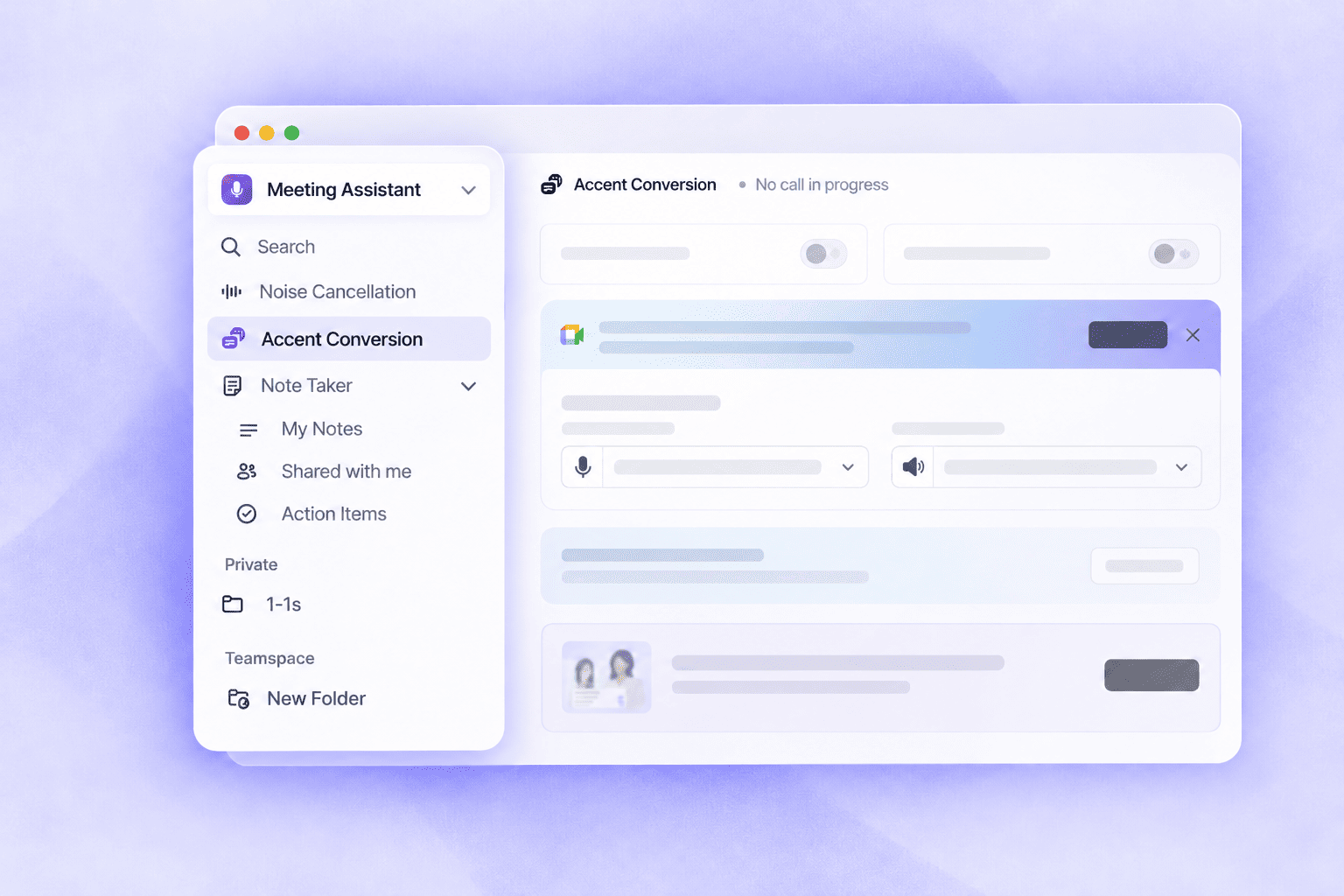
Customize your navigation: Drag and reorder navigation items to organize your workspace around the features you use most.
Enjoy a cleaner workspace: Collapse or expand the navigation whenever you need more screen space or quicker access to your tools.
Smarter notifications for audio device setup: Krisp now alerts you when your microphone or speaker isn't correctly selected in your conferencing app while Noise Cancellation or Accent Conversion is enabled. Notifications provide visual setup guidance for Zoom, Microsoft Teams, and Google Meet, update as you adjust your settings, and automatically disappear once the issue is resolved.
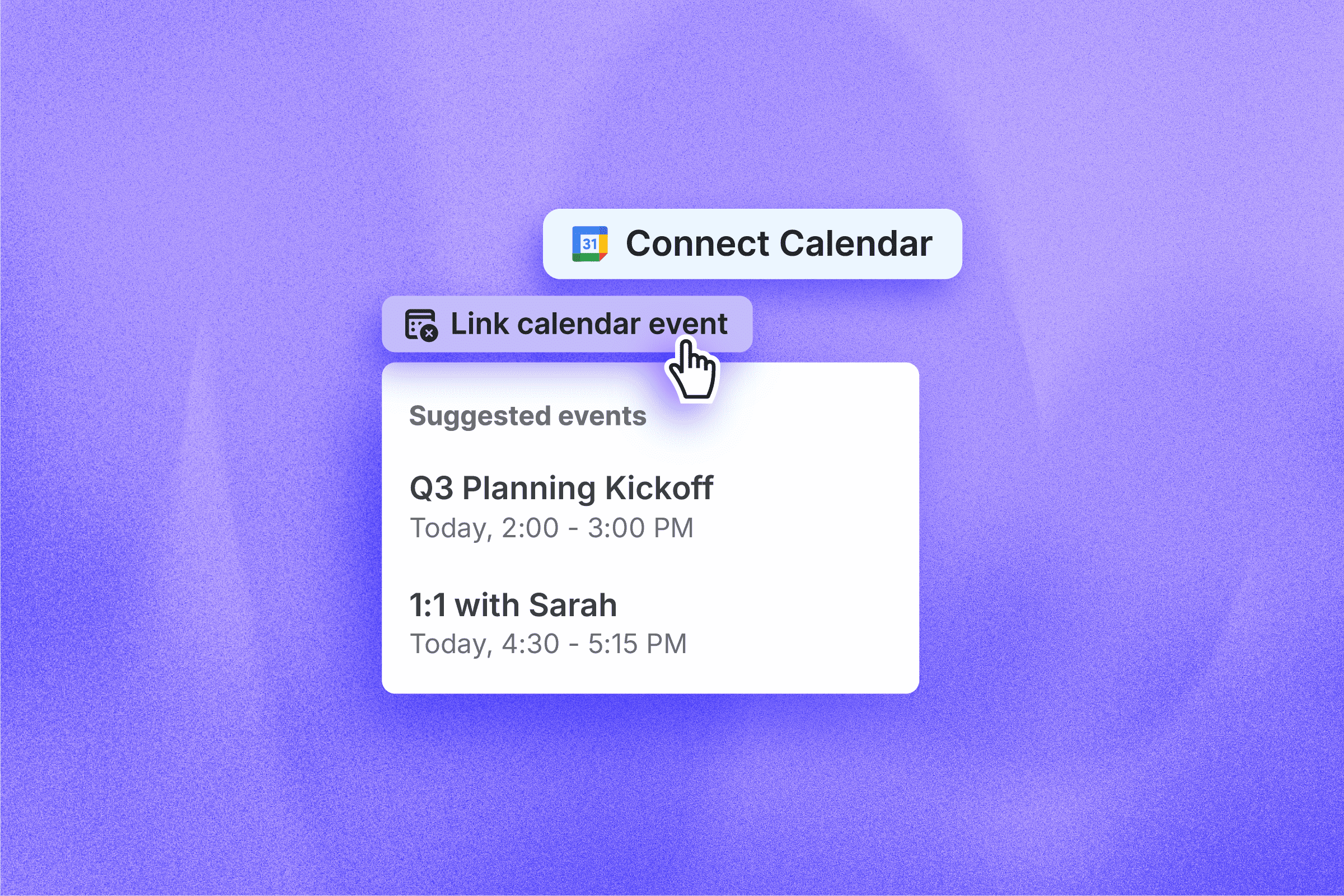
Easier organization for ad hoc meetings: You can now link meetings and live recordings to existing calendar events, even if the meeting started without a calendar invite. This makes it easier to keep your conversations organized and find them later.
Automate workflows with Make: Connect Krisp with your favorite apps through Make to automate repetitive tasks, streamline meeting follow-ups, and save time on manual work.
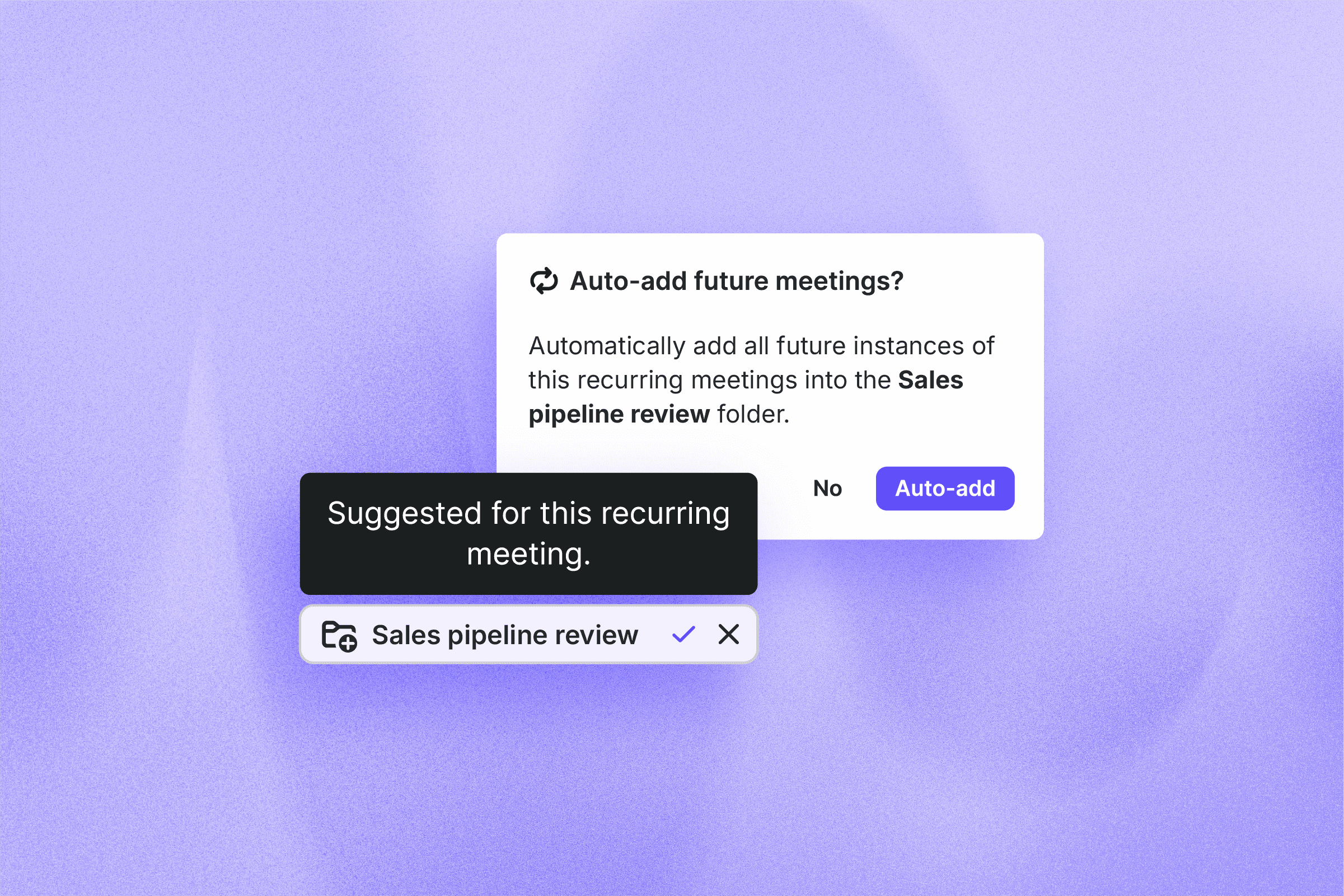
Easier organization for recurring meetings: Choose which recurring meetings are automatically added to your folders, so you can keep your notes organized without manually sorting the same meetings every week. Manage meetings individually or in bulk for more flexibility and control.
Bug fixes
Smoother performance: Resolved an issue that could cause Krisp for Desktop to slow down your device after extended use.
Reliable transcripts: Addressed an issue that occasionally prevented meeting transcripts from being generated.
Speaker identification: Fixed a crash that could occur when speaker identification stopped.